

Push Notifications on Your Phone
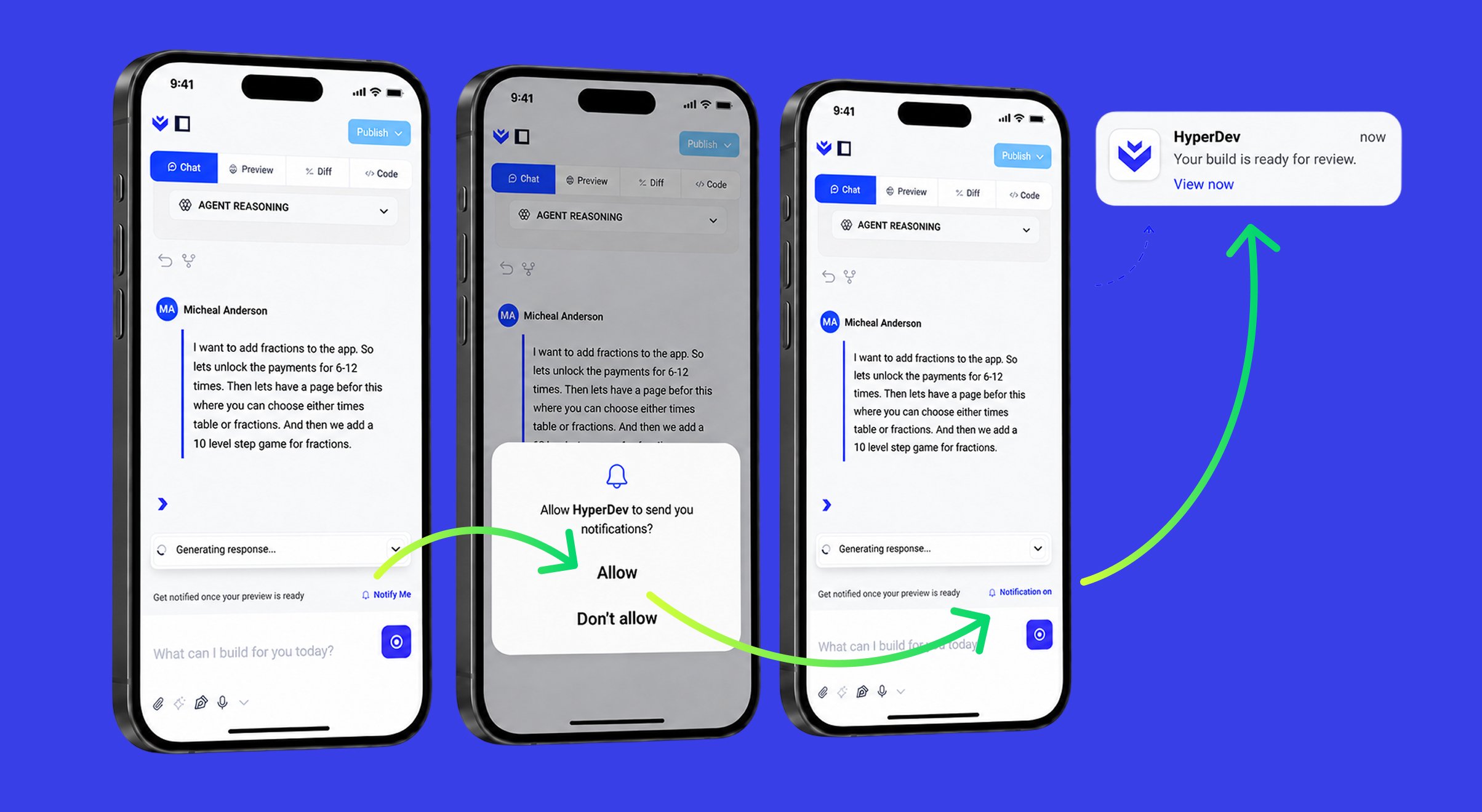
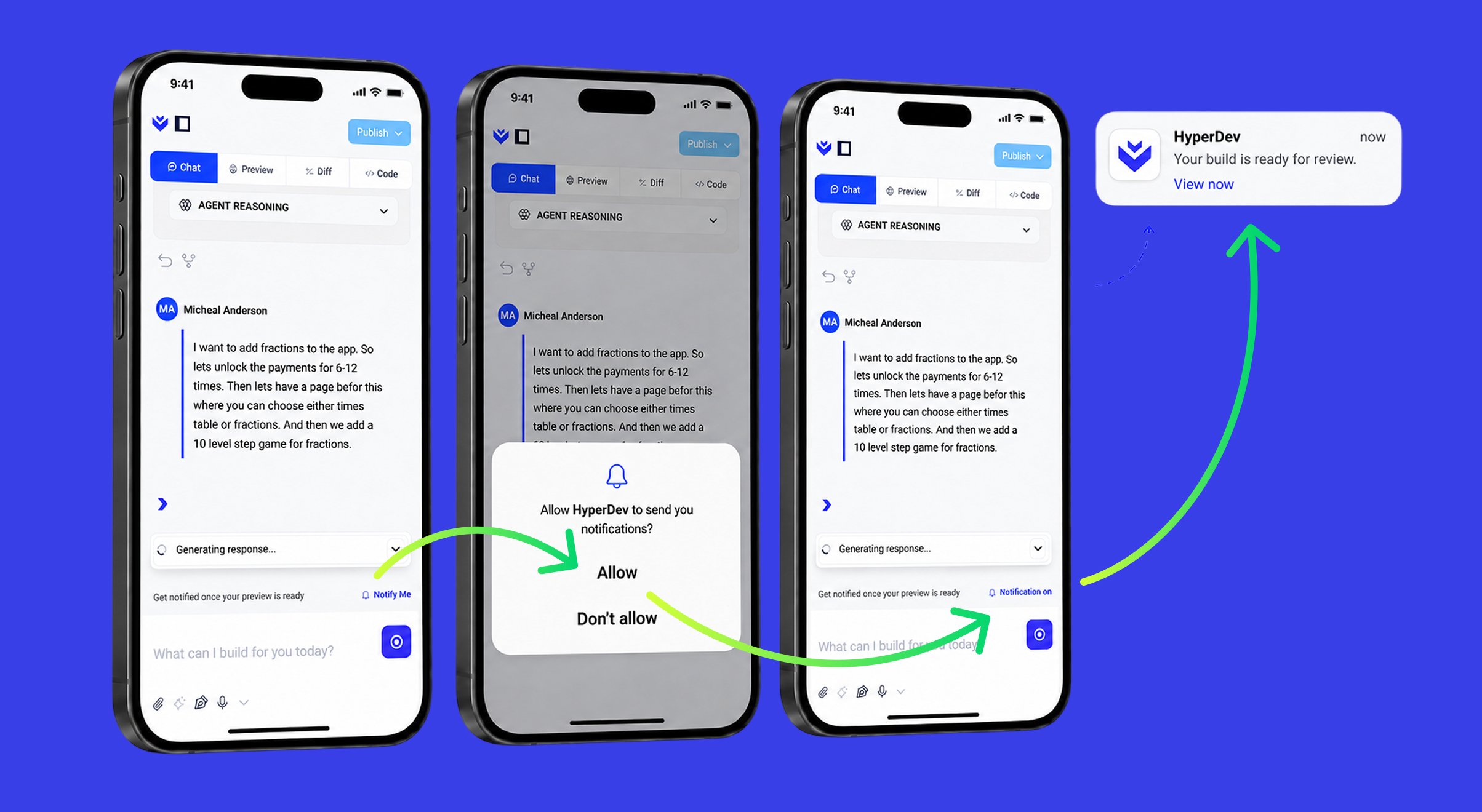
- Push Notifications: Now that HyperDev can be installed on your phone, it sends you push notifications for the things that matter — when your build finishes, when there’s a problem with a build, and for security alerts. They reach you even while you’re away from the browser, and arrive on any device where you’ve allowed notifications. Additionally, notifications will also work when enabled in any mobile browser of our choice.
- Speak Your Prompt: Speech-to-prompt is back — dictate what you want to build instead of typing it.
- Steadier Visual Editing: In Design mode, the element you’ve selected now stays highlighted as you make changes — through edits, page reloads and switching device views — so you don’t lose your place mid-edit.
- Privacy Consent on Enquiries: The Done-for-you Projects enquiry form now includes a required privacy-consent checkbox, and your consent is recorded with the submission.
- Duplicate Projects on Your First Prompt: If you clicked send again because nothing seemed to be happening, HyperDev would quietly create a second copy of your project — both building at once, with the hidden twin consuming your credits. This affected roughly one in six projects and is now fixed.
- Your Links Kept Out of Search Results: Preview links and apps published on a HyperDev address are no longer picked up by search engines. If you publish on your own custom domain, you get an “Allow search-engine indexing” setting so you stay in control.
Guided Mode Gets Smarter
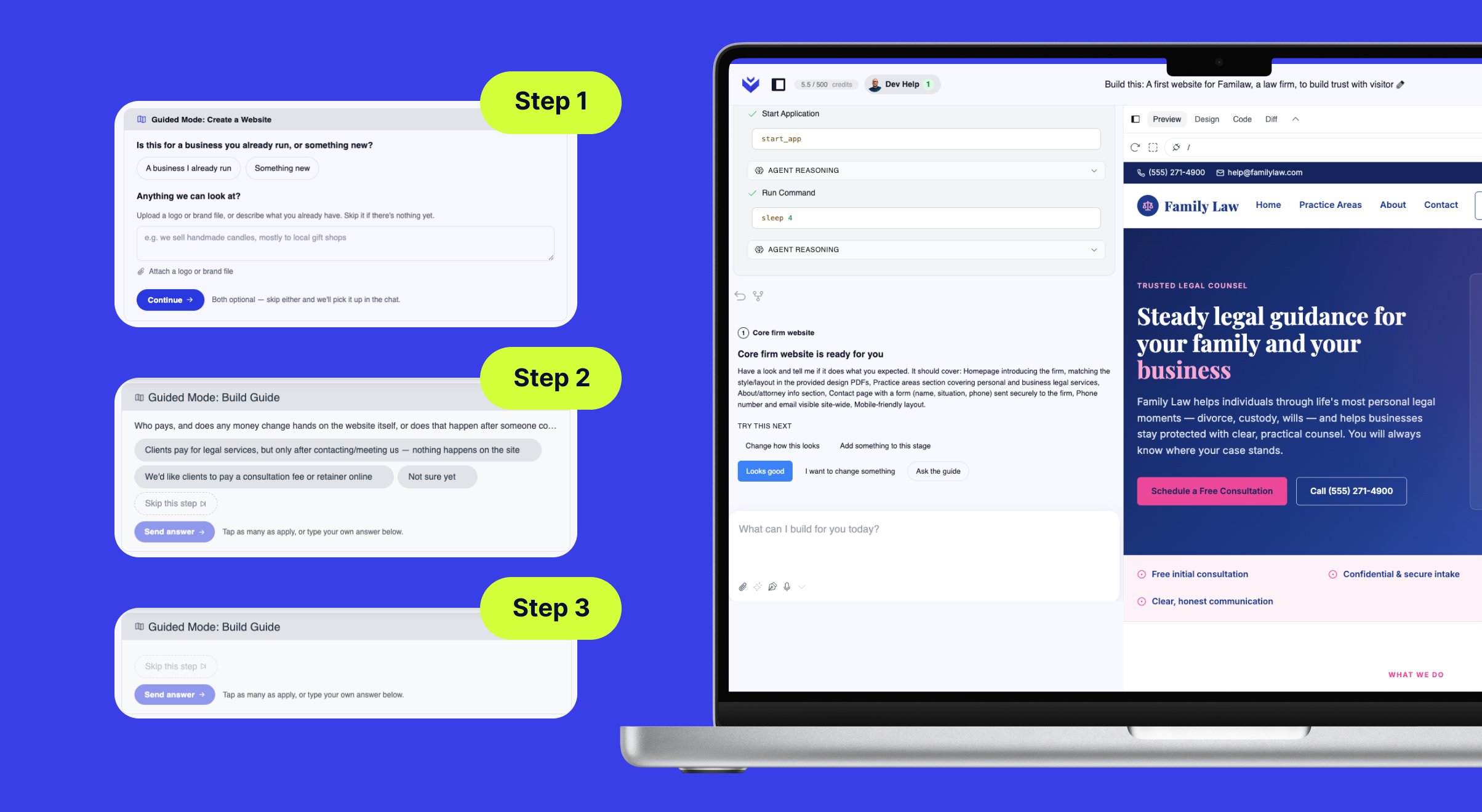
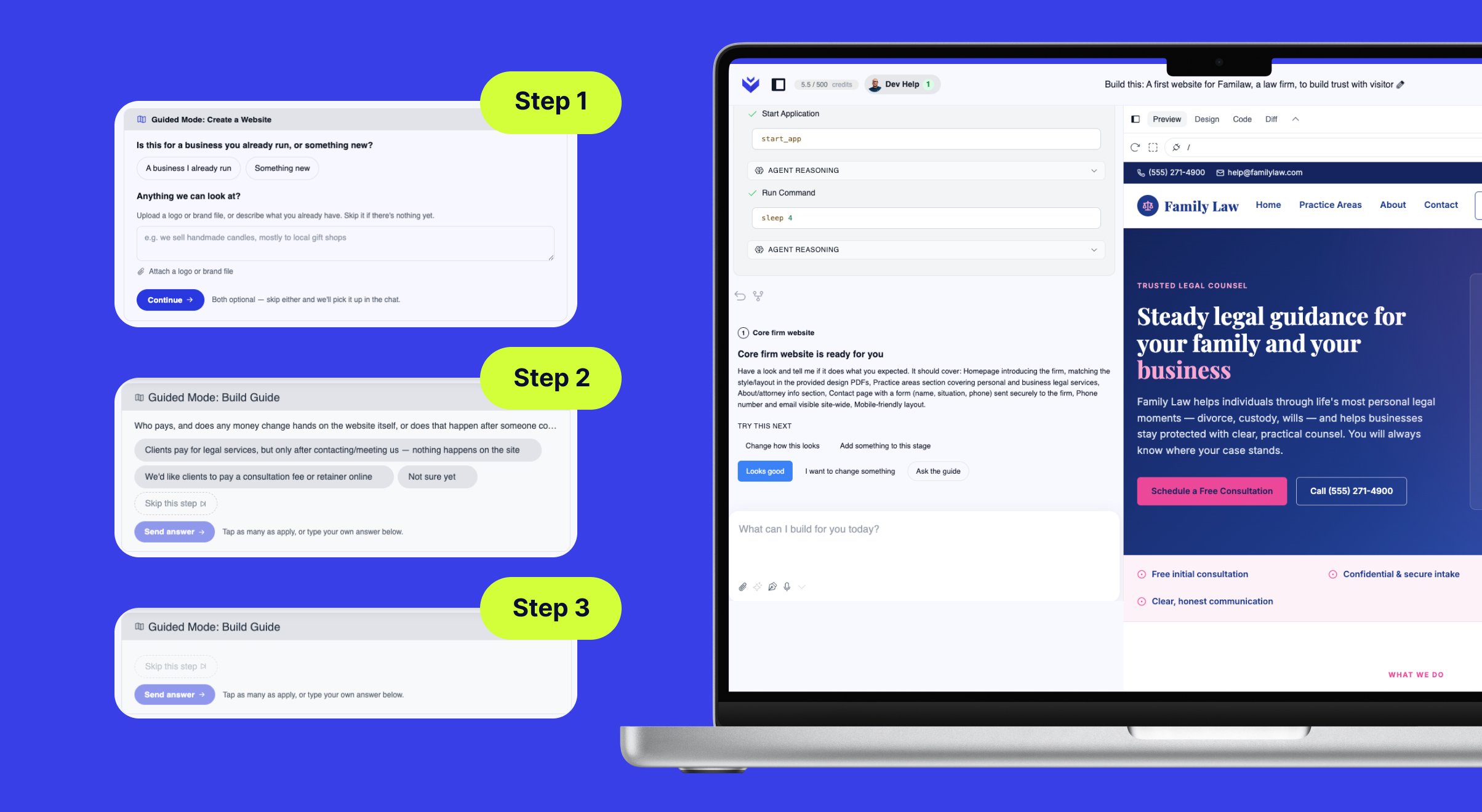
- Dynamic Guided Mode: Guided Mode has been rebuilt around a smart assistant that reviews your project as it goes, works out what’s still missing, and proposes a plan for you to approve one step at a time. Start from a category pill as before, then answer its questions by tapping the suggested options or typing your own — its guidance is grounded in what works for successful sites and apps like yours. It can also carry out the tasks you’d normally do yourself, like publishing your app to a web address, so you can stay in the conversation instead of hunting for buttons.
- A Smarter, Leaner AI Engine: Upgraded the AI engine behind Guided Mode — HyperDev can now run on the latest Sonnet 5 model, and prompts are handled more efficiently so builds use fewer of your credits.
- Daily Limit After a Top-Up: Fixed the daily usage limit not applying correctly the second time around — after topping up credits, you’d stop seeing the limit notification and top-up prompt. The limit and the prompt to add more credits now work reliably every time.
Install HyperDev on Your Phone
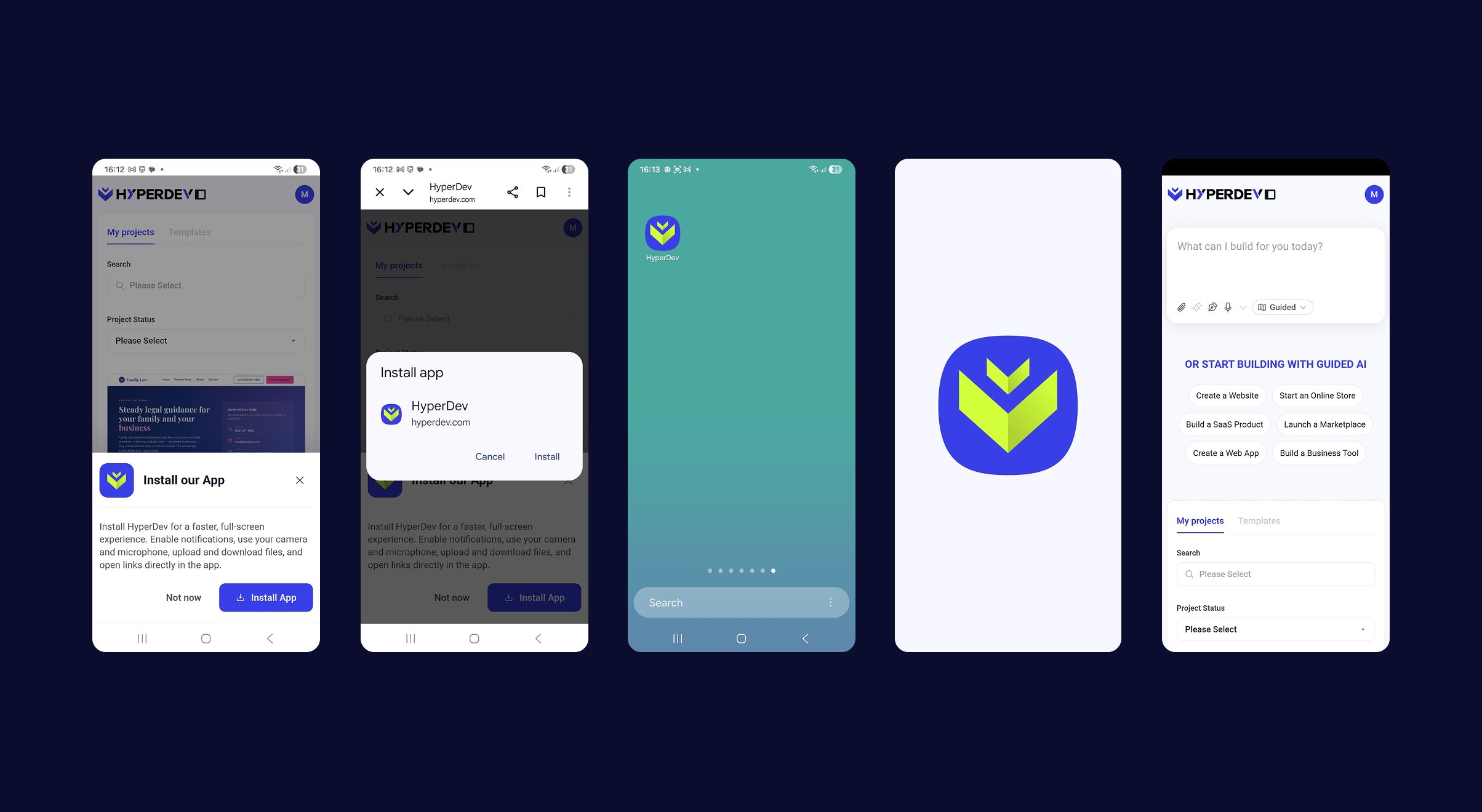
- Install HyperDev as an App: You can now add HyperDev to your phone’s home screen and use it like a native app — its own icon and splash screen, full-screen with no browser bars, and push notifications for the same updates you’d normally get by email (tap one to jump straight to the right place). It also supports your camera, microphone, and file uploads and downloads.
- Mobile Polish: A round of mobile refinements — the pricing page no longer has text overlapping images on the Expert Developer Help and Done-for-you Projects sections, tapping Upgrade now opens the upgrade pop-up instead of navigating away from what you’re building, the Chat / Preview / Diff / Code bar is never cut off, and the Settings and Upgrade buttons have been restyled and made easier to tap.
- Broken Builds Caught Earlier: HyperDev now checks that your app actually compiles before finishing a build, instead of only noticing once you open the preview. If something’s wrong — like a missing file — it spots the error and fixes it itself, so you’re far less likely to open your preview and find it broken.
- Previews After Resuming a Project: Fixed a timing problem that could leave your preview dead or showing an outdated version of your app after you reopened a project. Previews now start cleanly and reliably every time.
Get Inspired: A Gallery of Real Projects on the Home Page
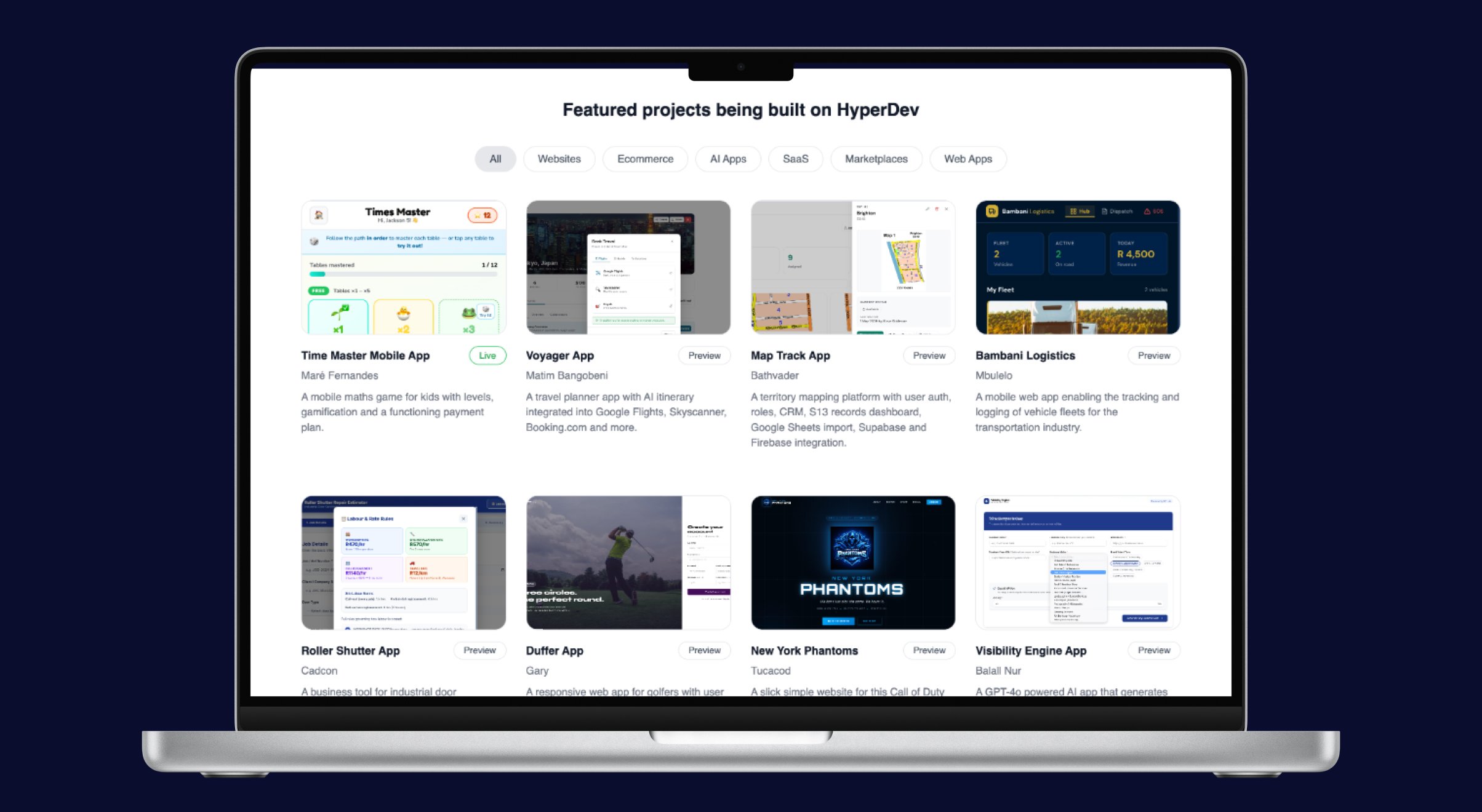
- Featured Projects on the Home Page: The home page now shows a curated gallery of real apps that HyperDev users have built and published, in place of the old static screenshot. You can browse them by category — All, Websites, E-commerce, AI Apps, SaaS, Marketplaces and Web Apps — so first-time users have plenty of inspiration for what to create with their very first prompt.