

Buy a Domain Without Leaving HyperDev
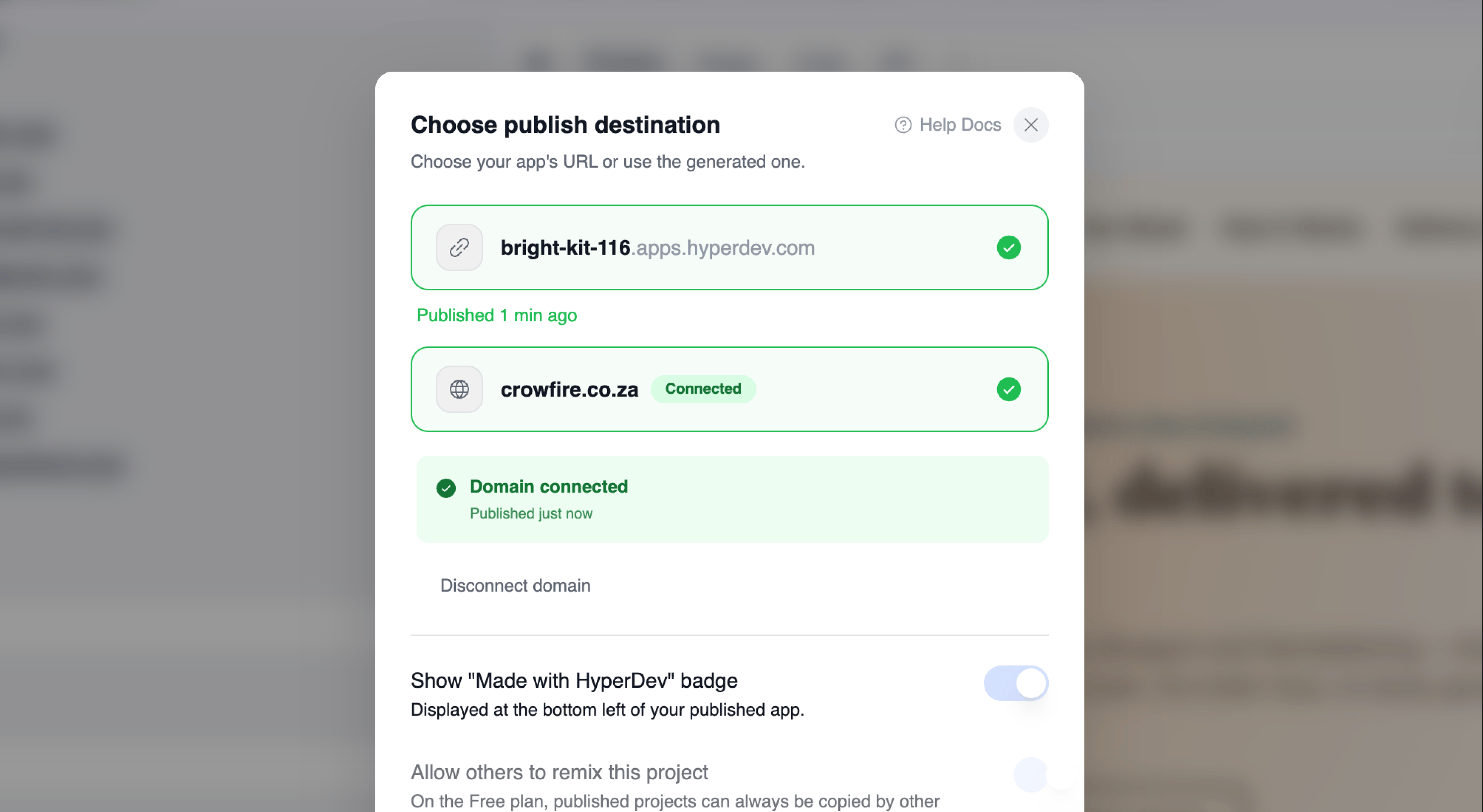
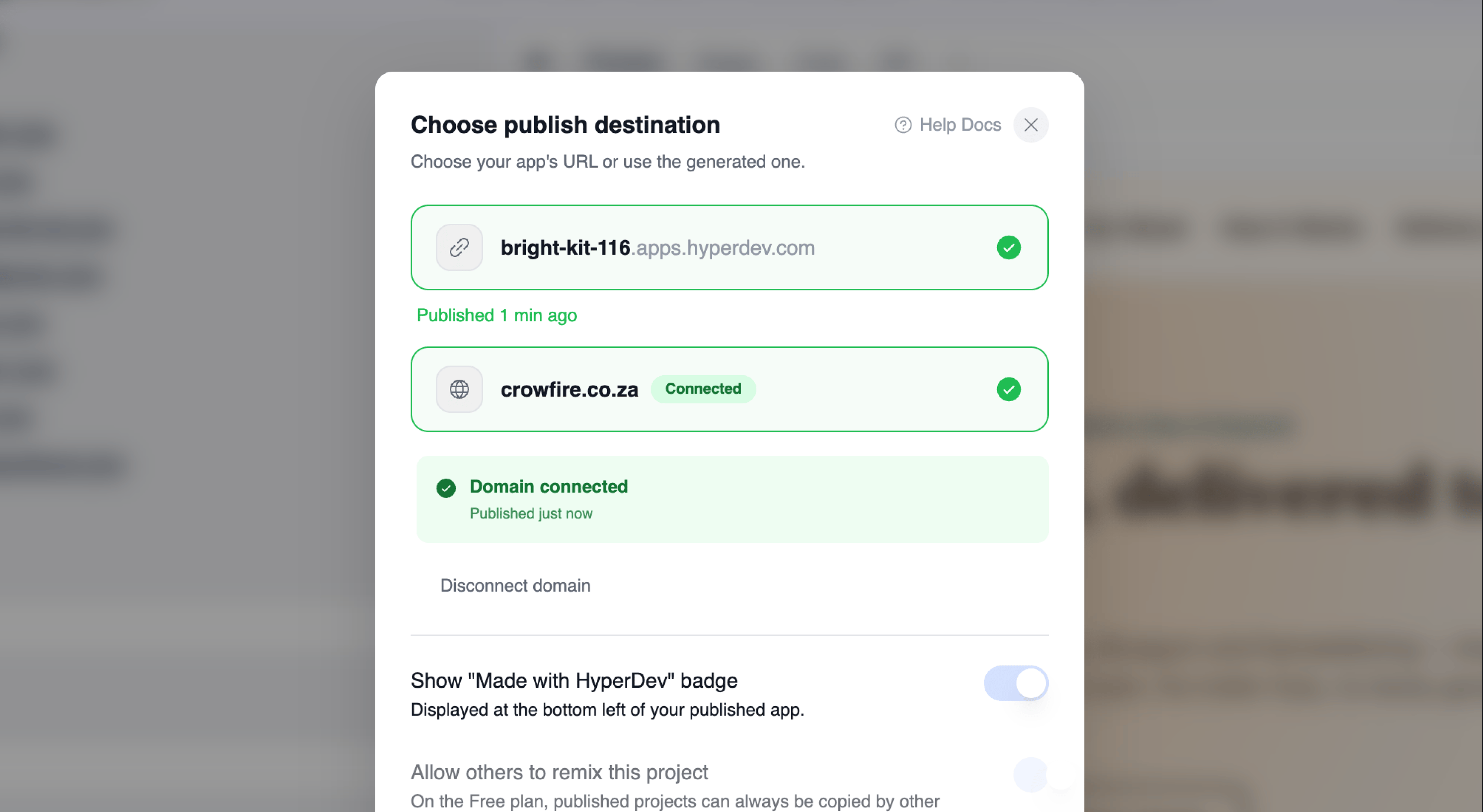
- Buy a Domain Inside HyperDev: You can now search for and buy a custom domain for your project without leaving HyperDev. Once you’ve bought one, it appears as an option in the Publish dialog, and HyperDev sets everything up for you — no DNS records to copy, no separate registrar account. You’ll get a confirmation email and receipt, and the Publish dialog shows you how the setup is progressing.
- Your Top-Up Credits Are Visible Again: After buying top-up credits, your new balance now shows in the credit display straight away, so a purchase no longer looks like it did nothing.
- Fewer False Alarms From the AI: A missing image or icon on a page is no longer treated as a broken app, so the AI won’t go chasing a problem that isn’t there.
- New Main Menu: A refreshed main menu across the site, with Build, Community, Pricing, About Us and Resources. Build is now available to everyone — signed in or out, on desktop and mobile — and Resources brings the blog and changelog together in one place.
- Business Help: “Dev Help” is now replaced with “Business Help”, with a tidier home page — the old “Dev Help” calls have been removed and replaced by Business Coaching to help you get your business started with HyperDev.
- HyperDev Badge on Published Projects: Published projects now carry a HyperDev badge linking back to hyperdev.com. Paid accounts can switch the badge off per project, from the project’s settings or when publishing.
- Apps That Crashed on Startup: Fixed the biggest cause of previews that refused to run. If something interrupted your project’s setup partway through — closing the tab mid-build, for example — it could get stuck crashing every time you opened it, with no way to recover. HyperDev now repairs this by itself and stops retrying in a loop.