

Pay As You Go and Flexible Billing
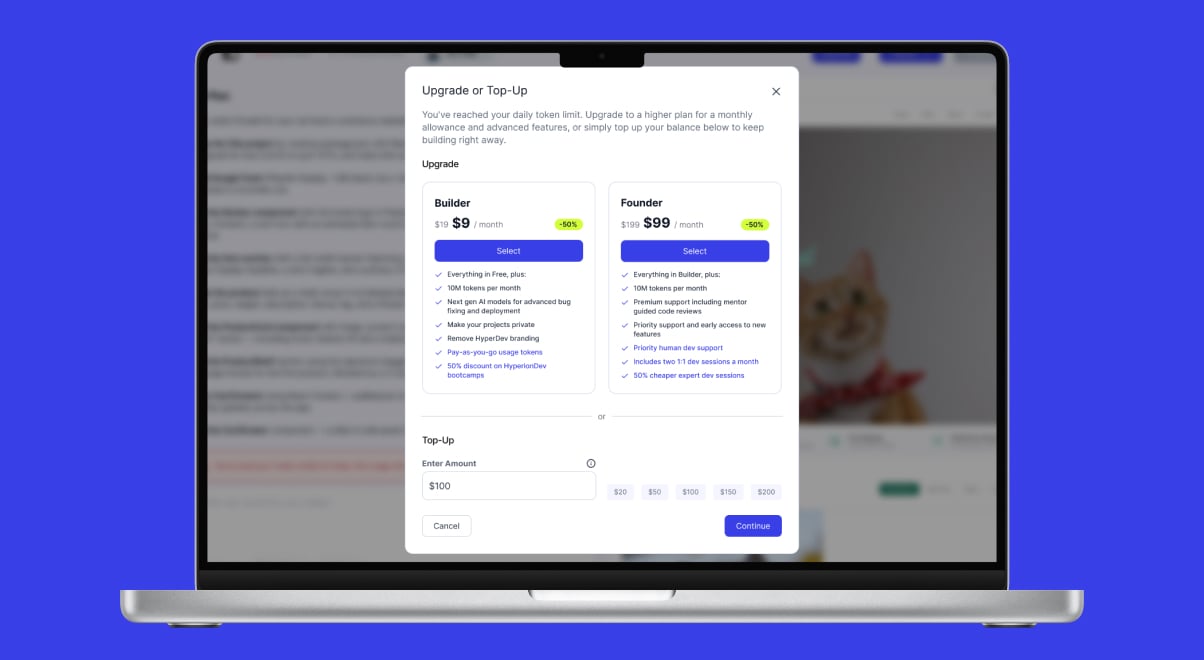
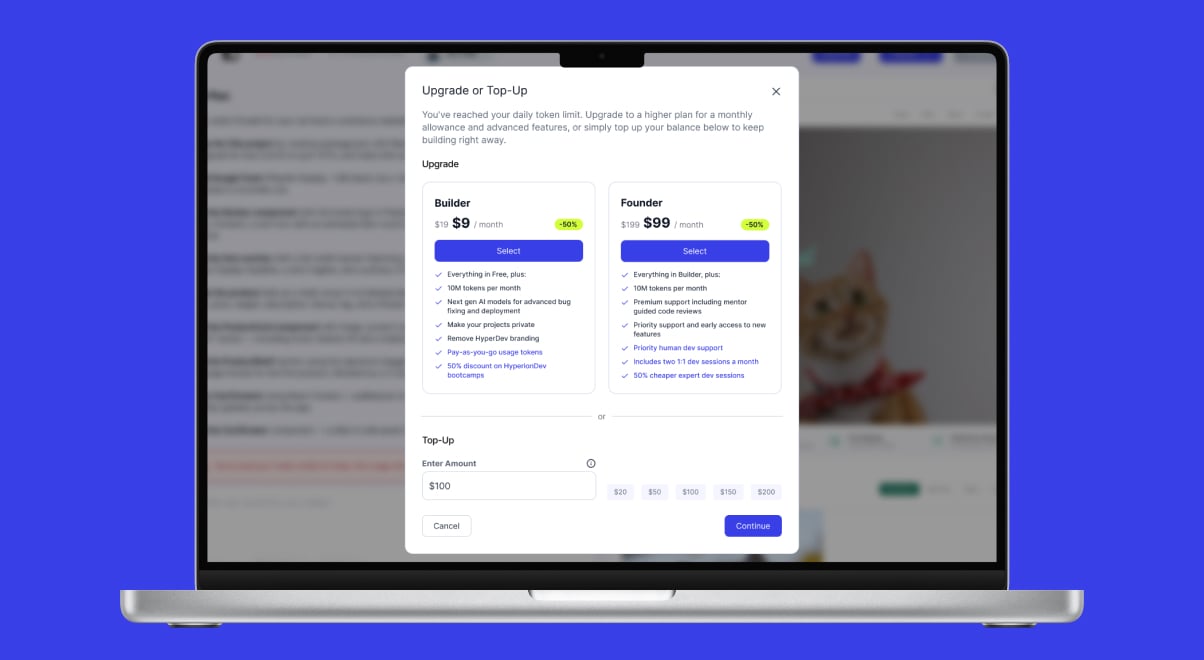
- Pay As You Go: Introduced pay-as-you-go billing so you can keep building beyond your plan’s allowance — add credits straight from the in-app usage banner, your account page, or the limit-reached email.
- Visual Editing View: Added a new Design tab where you can click any element in your app’s preview to select it, then describe the change in chat (e.g. “make this button larger”).
- Upgrade & Top-Up Modal: A new pop-up appears when you reach your daily or monthly limit, making it easy to upgrade your plan or top up your credits in one place.
- Tokens Shown as Credits: Usage is now shown as simple credits instead of technical “tokens” across pricing, the app, and emails, with a clear monthly credit allowance on each plan (about 1 credit per 100,000 tokens).
- Smoother Checkout: Improved the return journey back into the app after completing a payment.
- Quota Pop-Up: Going straight to an upgrade no longer shows the usage-limit pop-up unnecessarily.
- Top-Up Wording: Corrected the payment description shown for top-ups at checkout.
- Credit-Limit Email: Clearer wording in the email sent when you reach your credit limit.
- Publishing Text Apps: Fixed publishing for text/console-style apps — even a terminal-style app (such as an ASCII adventure game) can now be published to a HyperDev URL like any other app.
Your New Home Dashboard and Clearer Limits
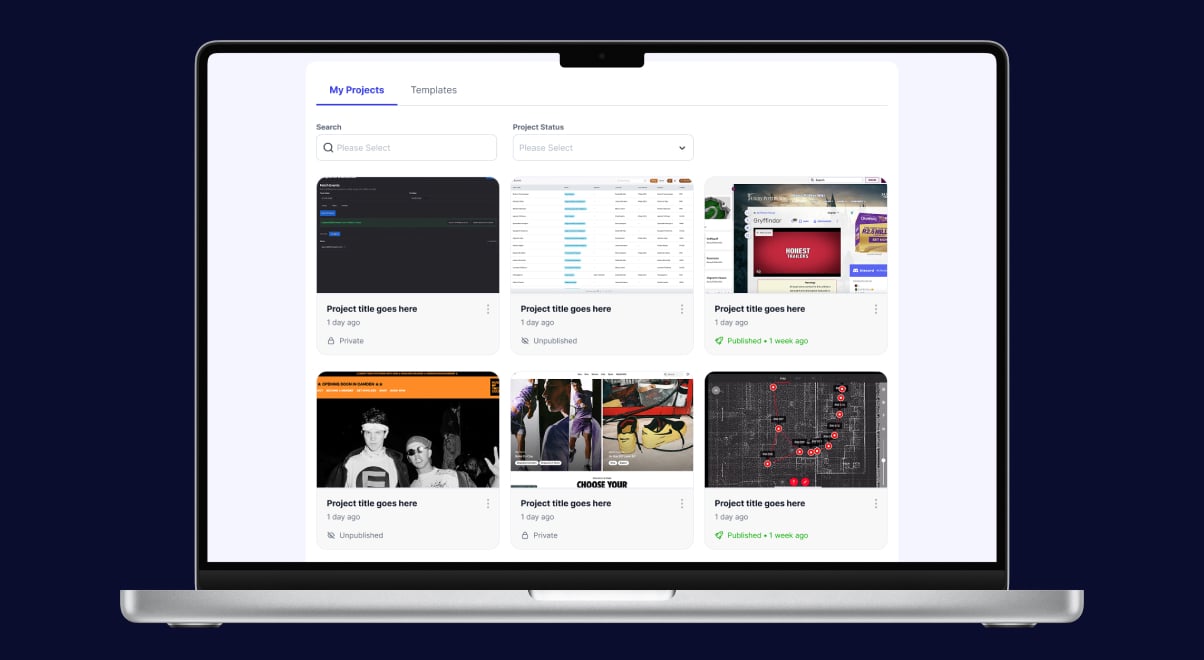
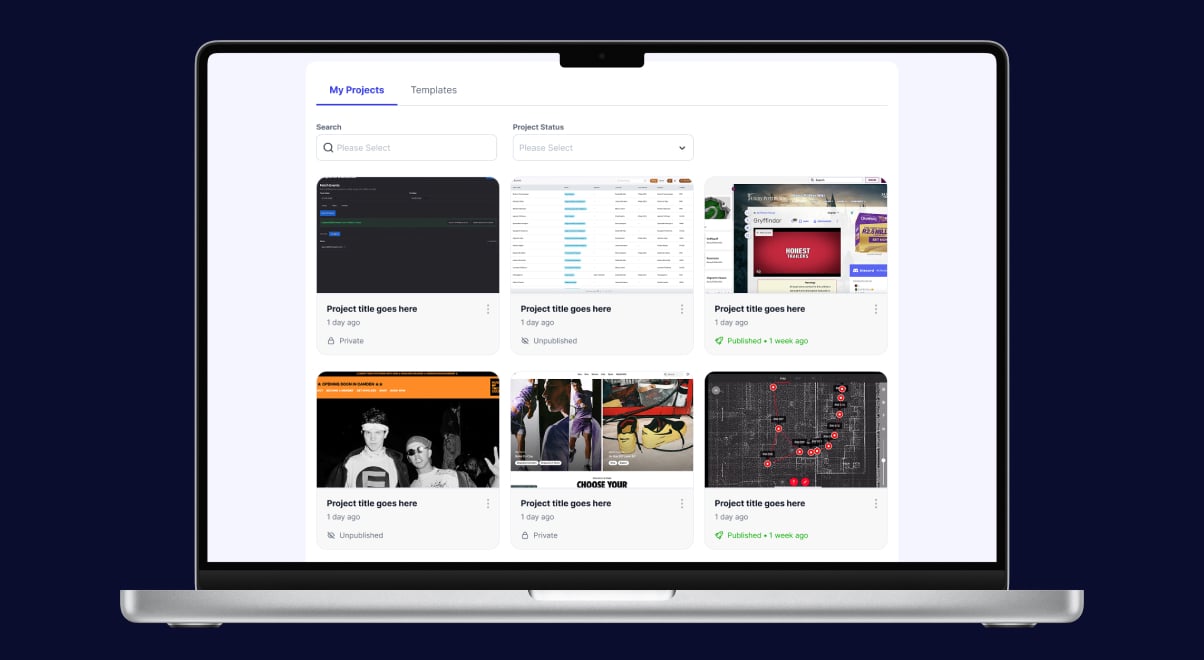
- Home Dashboard: Logged-in users now get a personal home page with a gallery of all your projects — each showing a thumbnail, when it was last opened, and its status (Private, Public, or Published) — plus quick actions to preview, open, duplicate, publish, or delete.
- Daily Usage Quota: Free accounts now have a daily usage limit on top of the monthly allowance, so usage is more predictable; paid plans are unaffected, and if you reach a limit the message tells you whether it was the daily or the monthly one.
- Free Plan Limit: Updated the monthly usage limit for free accounts; if you reach it you’re prompted to upgrade, and it replenishes at your monthly reset.
- Lead Form: Added qualifying questions (business status, goal, employment, and experience) to the “Done-for-you Projects” enquiry form so leads can be better understood.
- Usage Insights: Added error tracking and prompt-level cost tracking for better visibility into reliability and spend.
- Older Projects’ Live Preview: Older and legacy projects (and previews on mobile) no longer get stuck loading or crash the browser — they now load reliably.
- App Generation: Fixed cases where building stopped partway: Angular apps now generate fully, very long prompts no longer halt new projects, and terminal/console apps run interactively (showing output and accepting input) without follow-ups forcing an unwanted interface.
- Payment Unblocking: Paying successfully now clears any earlier payment-failure block, so upgraded accounts aren’t left stuck.
- Usage Emails: Usage emails now show your real allowance reset date instead of “N/A”.
- Guided Mode: Exiting Guided Mode is now remembered correctly between sessions.
- Analytics Accuracy: Fixed tracking of AI activity so usage data is recorded correctly.
More Reliable Previews and Smarter AI
- Screenshot Service: A new service that automatically captures screenshots of your app preview.
- Server-Side Project Sync: Your projects and chat history are now saved to your account on the server, so they reappear when you log back in — even on a different browser or device, or after clearing your browser data.
- Browser Error Reporting: The app now reports browser errors automatically, so problems get spotted and fixed faster.
- Live Preview Reliability: Rebuilt the live preview with automatic recovery, so previews are far less likely to get stuck.
- Smarter AI Usage: Optimised how the AI works to reduce wasted usage and lower cost.
- Preview Recovery: Added a recovery button and automatic recovery for when a preview stalls or a response drops mid-way.
- AI Streaming: Fixed dropped AI responses, idle time-outs, and prompt formatting problems.
- Checkout: Fixed a timing issue at checkout and ensured credits are granted correctly on return.
- White-Screen Errors: When generated code has an error, the live preview now shows an explanatory banner instead of a blank white screen.
- Email Verification: Resending a verification email now works (it previously hit a dead-end error), and you land in the right place after verifying during registration.
- Environment Settings: Corrected default settings so the app behaves consistently across environments.
Introducing the Workbench
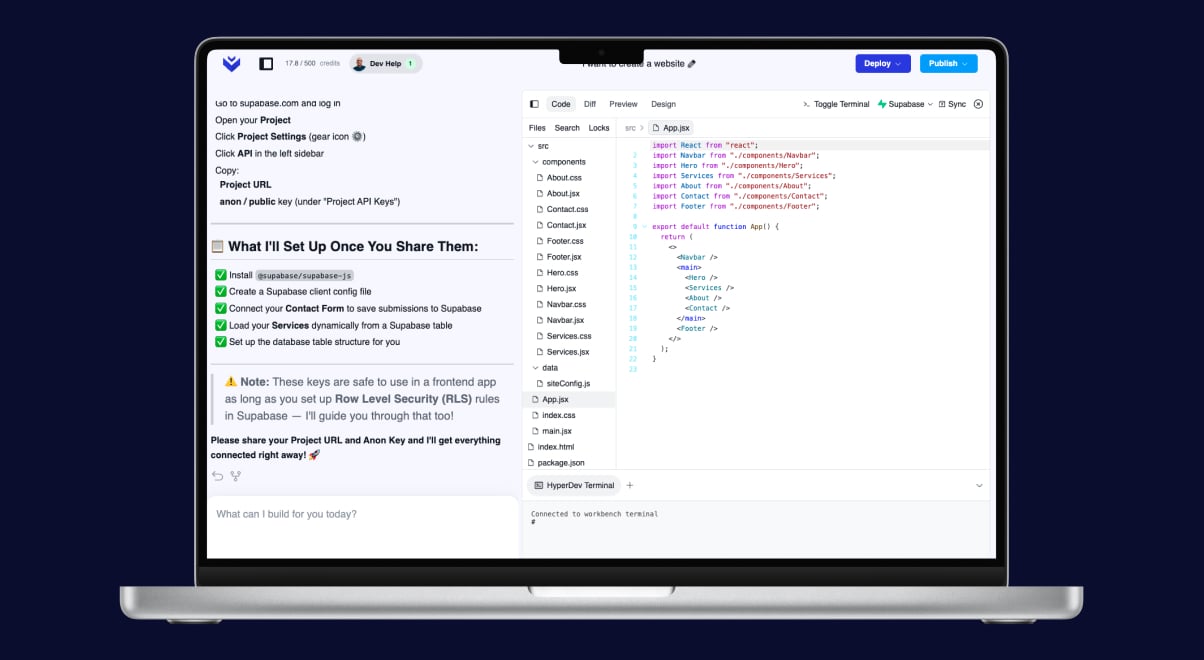
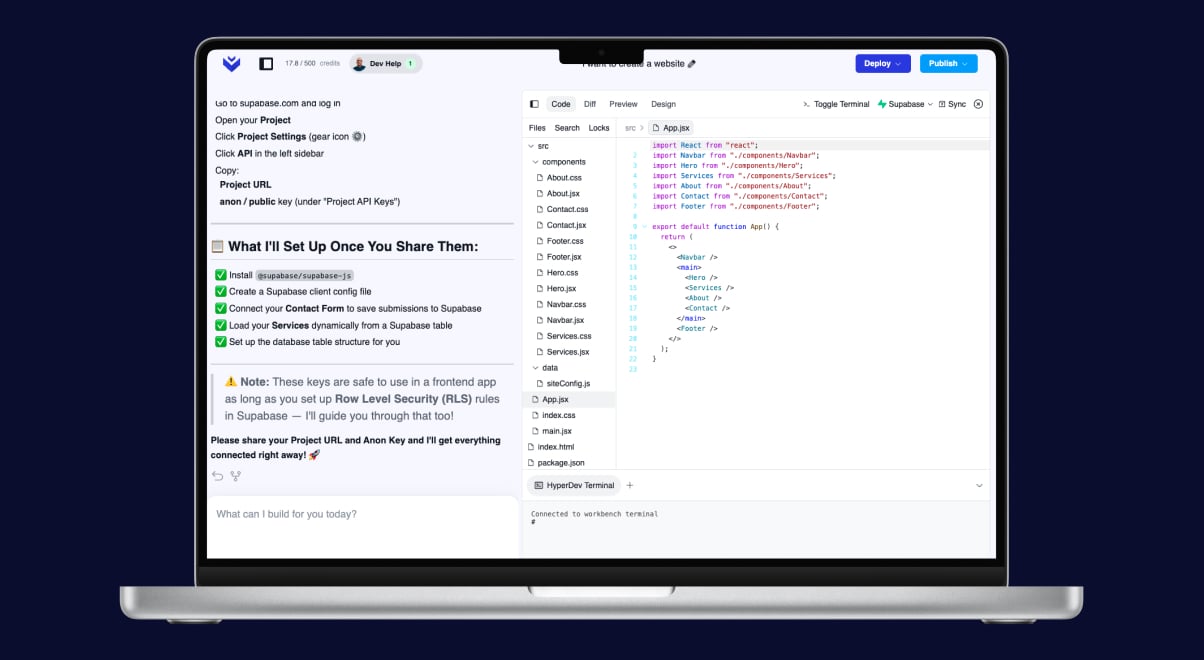
- Workbench: Launched the new Workbench — a refreshed workspace for building your apps.
- Dollar-Based Quota: Usage limits can now be measured in dollar value, making budgeting clearer.
- Confirmation & Alert Emails: You now receive helpful emails for key events — a successful deployment (with a link to your live app), connecting Supabase or GitHub, deleting a project, and when you’re nearing or have reached your usage limit.
- Workbench Polish: Resolved outstanding issues ahead of the Workbench launch.