

Preview-First, Plus a Big Reliability Round
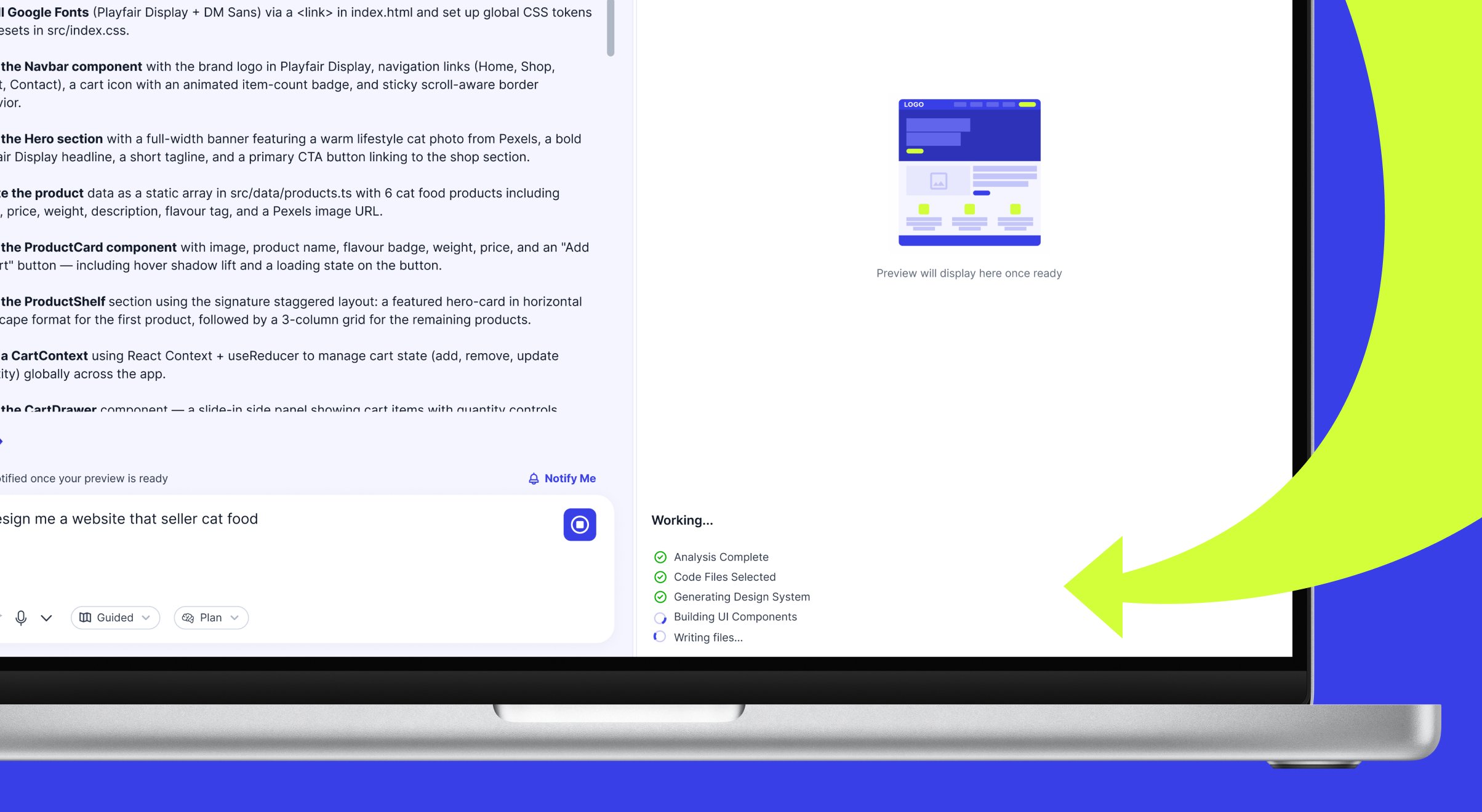
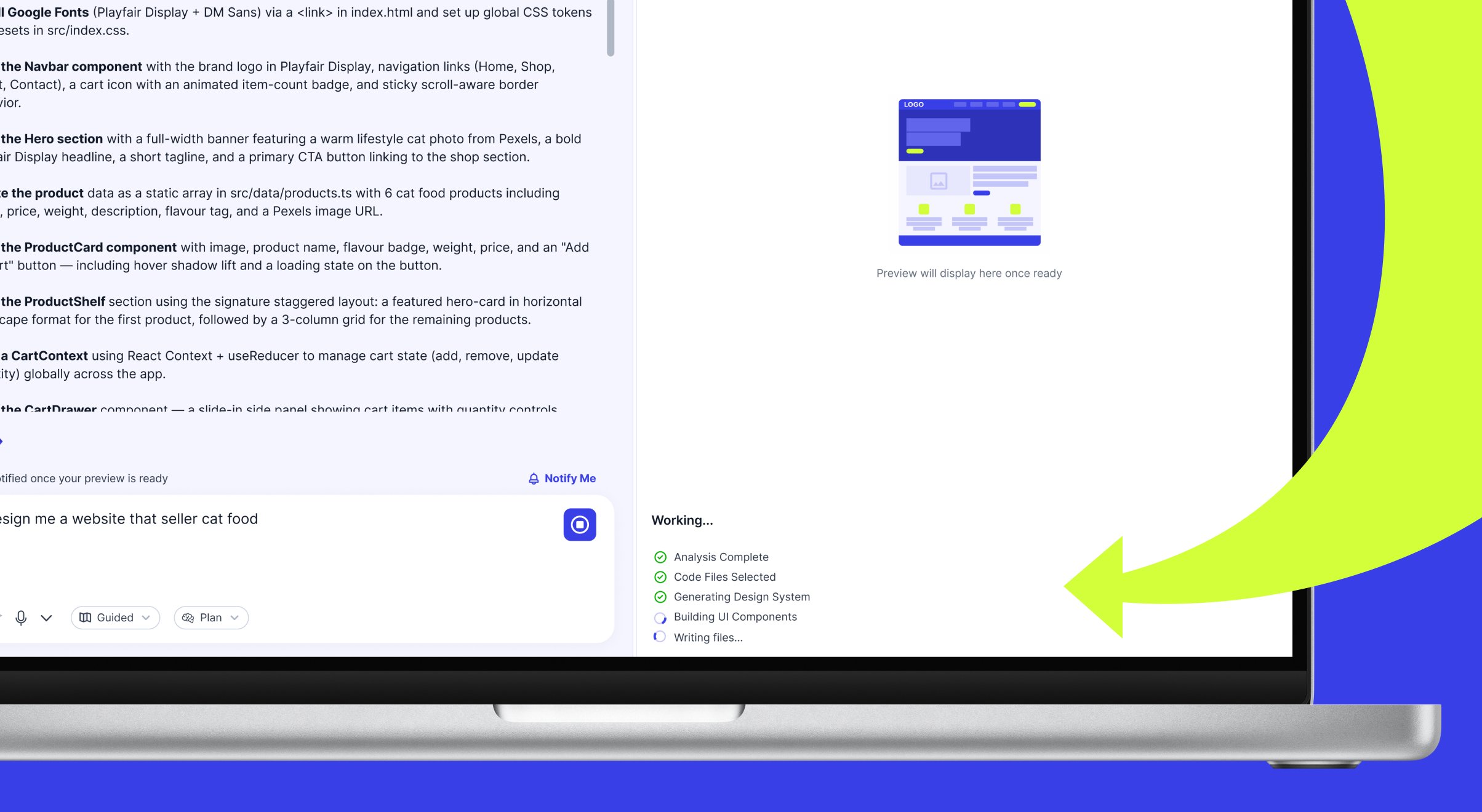
- Preview by Default: HyperDev now opens straight to the live Preview instead of the code, with a progress panel while your app builds (no more blank screen). It also stays in whichever view you choose — Preview, Code, Diff or Chat — instead of switching on you mid-build.
- Subscription Renewals: When your paid plan renews each month, your usage allowance and monthly call credits now reset correctly, and you receive a payment confirmation. Previously, a bug could result in a charge without your allowance resetting.
- Previews That Wouldn’t Start: Fixed a major cause of previews that never started or kept crashing — HyperDev now automatically installs any missing dependencies before running your app, so projects that used to get stuck now recover on their own.
- Upgrade Prompt: The upgrade / top-up prompt now reliably appears when you reach your usage limit, showing the correct daily-or-monthly message.
- Publish Upgrade Button: The Upgrade button in the publish dialog, for the custom-domain option, now opens the plan screen instead of doing nothing.
- Stability & Polish: A round of smaller fixes — a clearer “you don’t have access to this project” message, a faster dashboard load, a better preview Retry button, tidier web-address entry in the publish dialog, and clearer errors when a publish fails because of a bad dependency.
HyperDev on Mobile, a Self-Correcting AI and New Ways to Pay
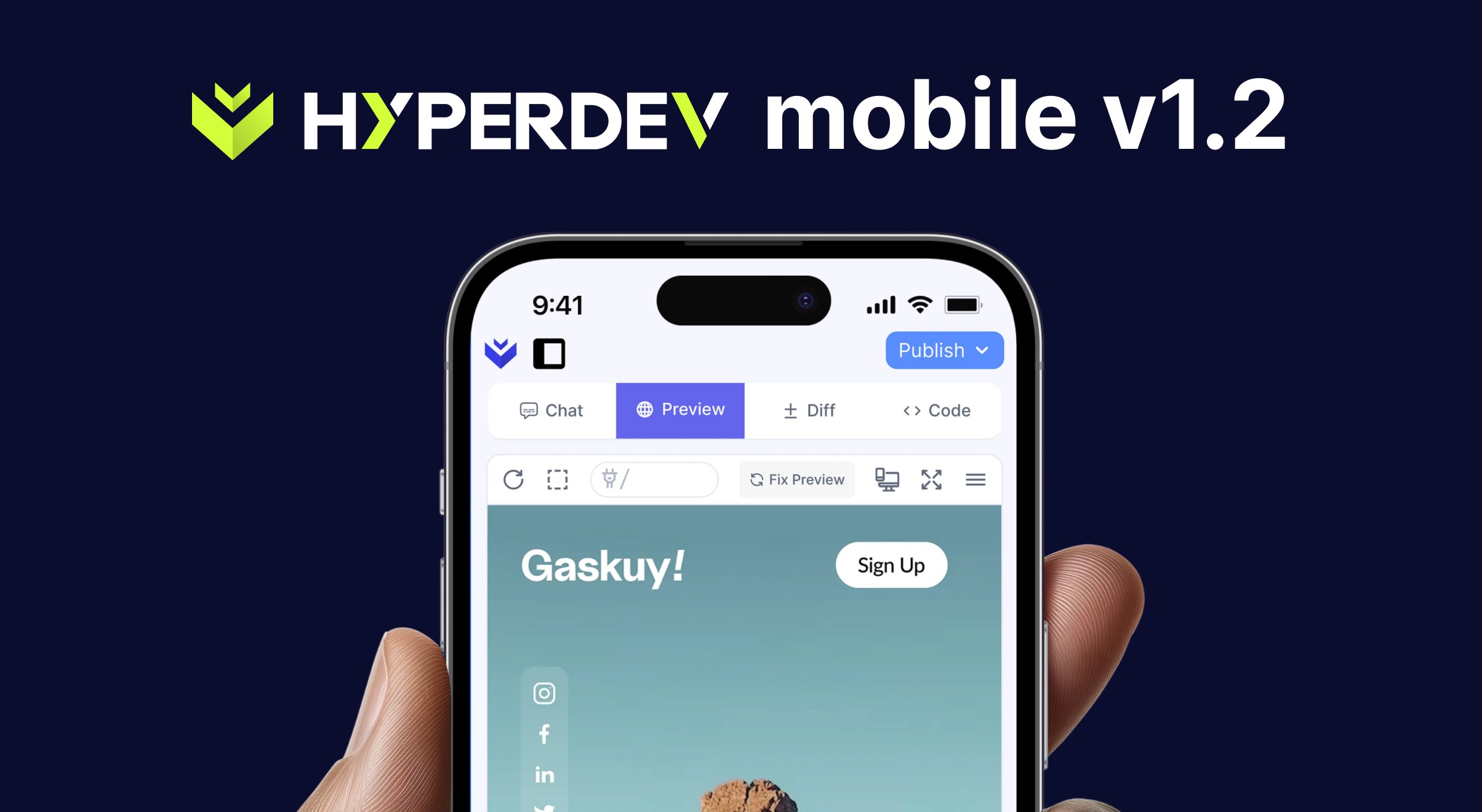
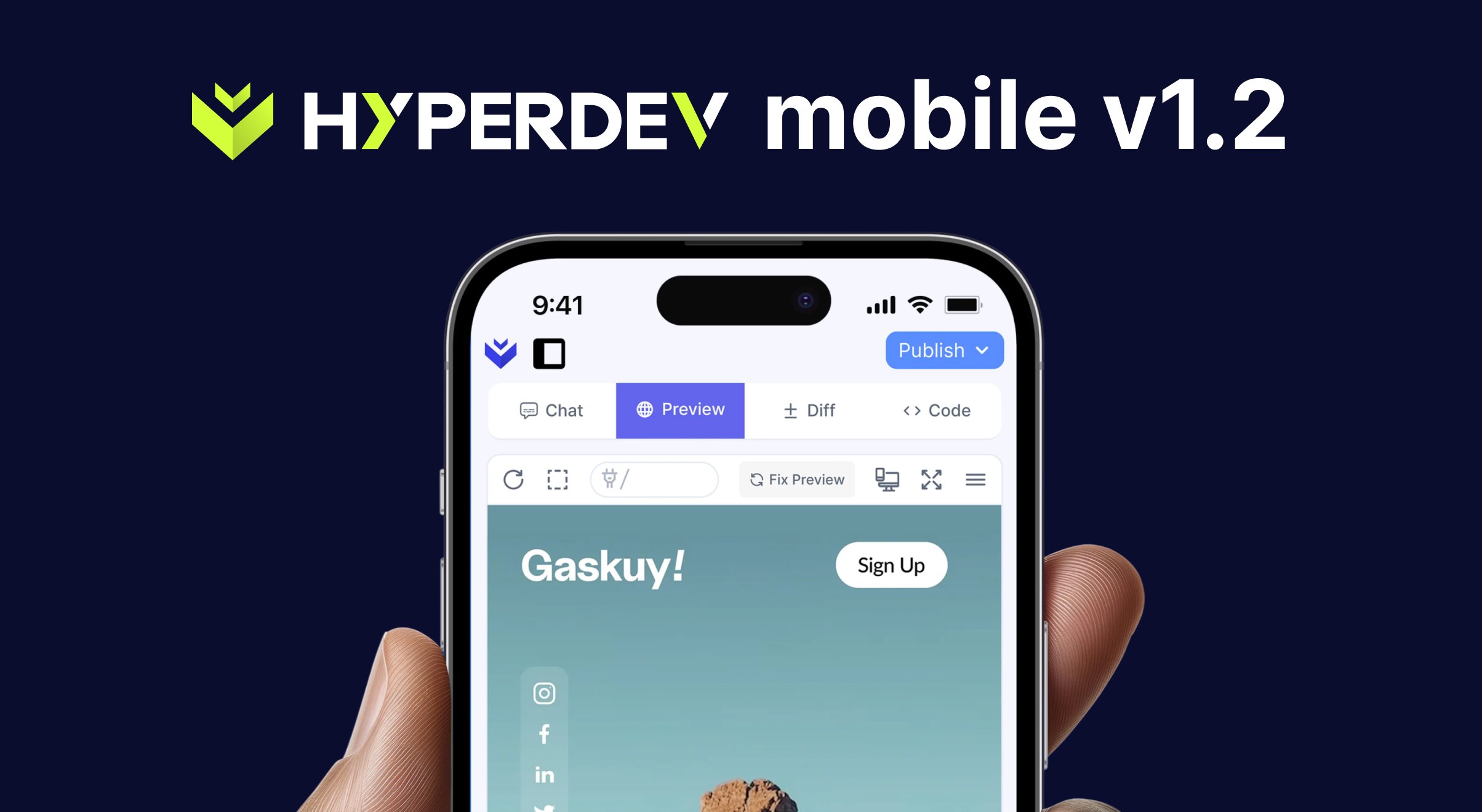
- Mobile-Friendly 1.2: HyperDev now works better on a phone — switch between Chat, Preview, Diff and Code, with your typed prompt preserved as you move between them. Visual Design mode works on mobile too, and your credit balance, Upgrade and Dev Help are all reachable from the mobile menu.
- AI That Fixes Its Own Mistakes: The AI can now see the actual code of the app it built. So when something breaks, you can ask it to fix the error — it identifies the problem, applies the fix, and the corrected code appears in your editor.
- Faster, Cheaper Edits: The AI now makes small, targeted changes to existing files instead of rewriting them from scratch — so edits are quicker, use less of your credit allowance, are less likely to disturb unrelated code, and your preview updates instantly instead of fully reloading. The activity list now shows “Edit” rather than “Create” for changes.
- Apple Pay & Google Pay: You can now pay with Apple Pay or Google Pay at checkout on supported devices, alongside card — for plan upgrades, credit top-ups and developer call credits, in both Rands and Dollars.
- Forms on Published Apps: Forms in your published app now deliver — when a visitor submits one, the submission is emailed to you. Previously they were silently lost.
- Custom Domain Routing: Custom domains now point to the correct app — fixed the records that could leave a domain serving an old or wrong site.
- Move a Web Address Between Projects: If an address is already used by another of your own projects, you can now confirm and move it across, instead of hitting a dead-end “already taken” message.
- Re-publishing to an Address You Own: Re-publishing to an older address you already own now works, instead of showing “already taken”.
- Developer Call Credits: Booking a developer call now reliably uses one call credit (closing the window early could previously skip it), and the booking confirmation stays on screen so you can note your details before closing.
- Credit Limit Emails: Free accounts now receive the 80% “running low” and 100% “limit reached” emails too. You’re also alerted when your top-up credits run out, and upgrading your plan no longer stops further alerts.
- Pay-as-you-go Purchases: Fixed an error when buying pay-as-you-go credits — your currency is now locked in correctly, and a temporary location-lookup glitch no longer blocks the purchase.
- “View Receipt” in Payment Emails: The View Receipt button in payment confirmation emails now opens your actual receipt — it previously led to a page that didn’t exist.
- www.hyperdev.com: The www address now works and redirects to the main site; it previously timed out.
- Email Sender Name: Automated emails now show as “Hyperdev AI” instead of “no-reply”.
- Footer: The footer now appears for logged-out visitors on the home page, the broken About, Press, Careers, Blog and Community links are fixed, and “Tutorials” is now “Changelog”.
Attach Images & Files, Plus Publishing Polish
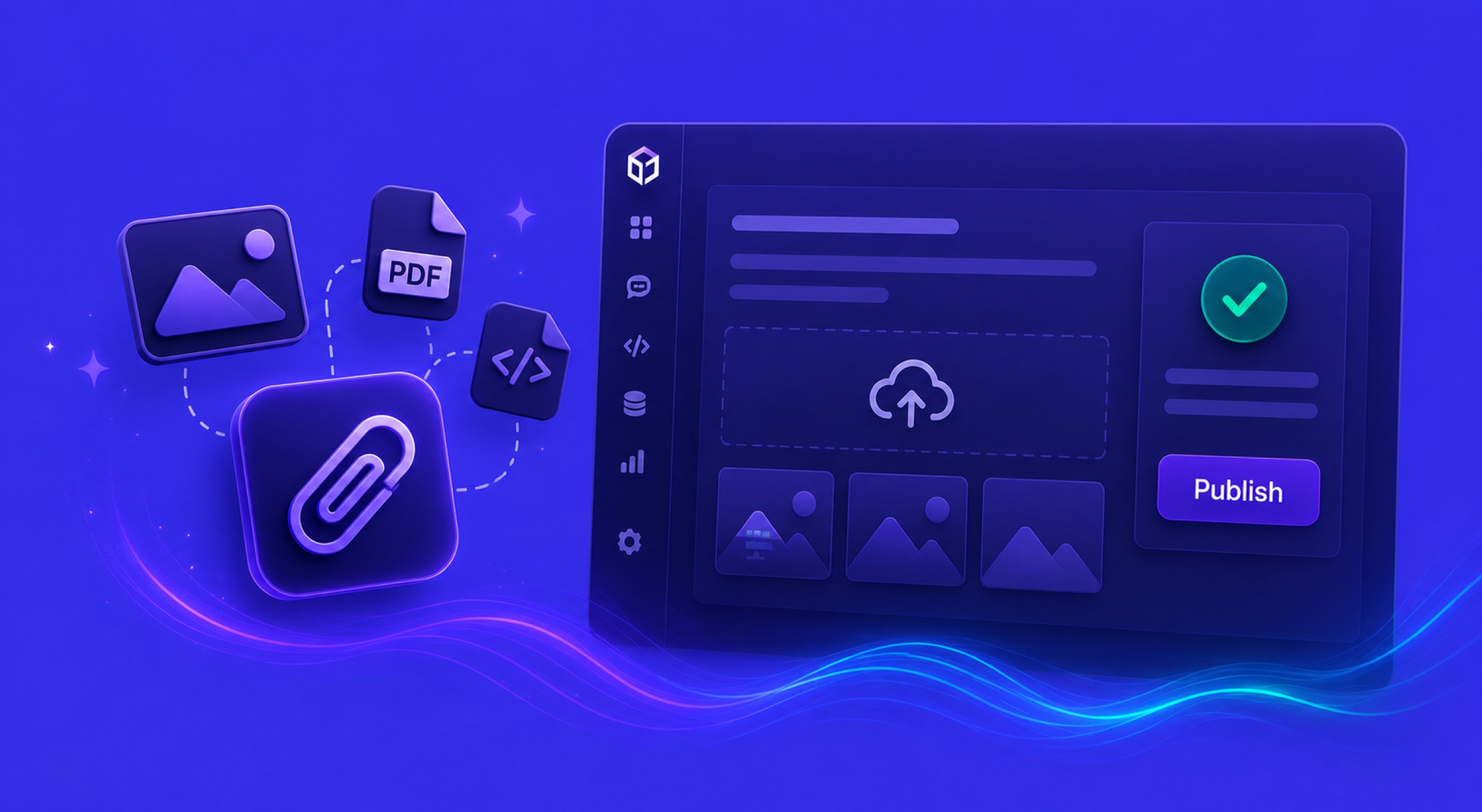
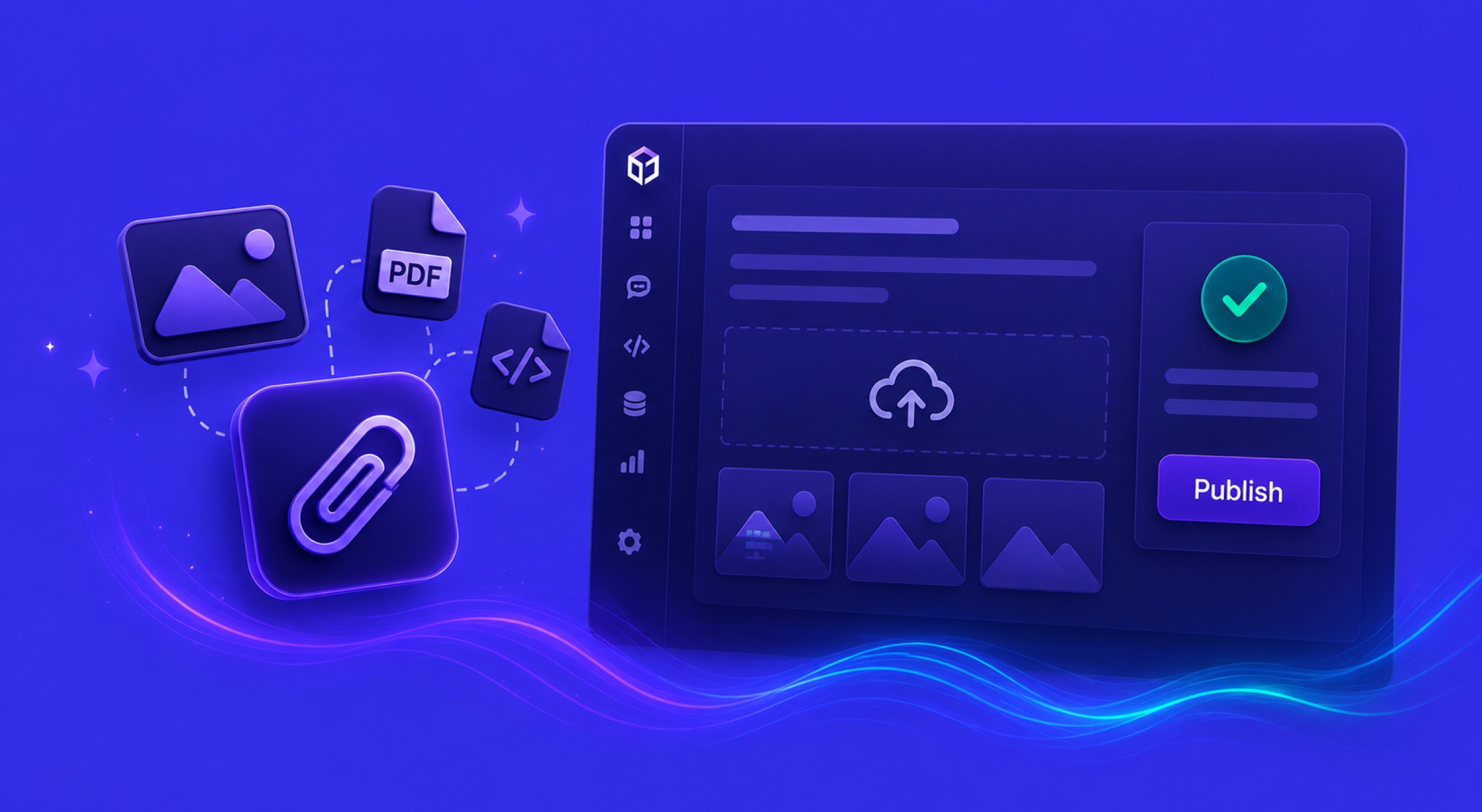
- Image & File Attachments: Attach files to your prompt and HyperDev builds from them — upload an image (like a screenshot or design) to recreate it, a PDF or text file to build from its contents, or attach an image to swap a specific element in your app (it correctly handles images that share a name without overwriting the wrong one). Up to 3 attachments, 5 MB each.
- More Generous Free Plan: Increased the monthly and daily usage allowances on the free plan to be more competitive.
- Reliable Publishing: Publishing is now stable per project — each project keeps its own web address (no more duplicate URLs), re-publishing updates the same live app, you can’t take another project’s address, and the dashboard shows a clickable “Published” link straight to your live app.
- Fresh Dashboard Thumbnails: Project thumbnails on the dashboard now refresh to show your latest changes, instead of sometimes showing an outdated snapshot.
- Footer & Campaign Cleanup: Fixed the footer blog link, removed the non-working Discord and GitHub icons, and removed the links/pills for the now-finished HyperDev Build Challenge.