

Credits for Students, and Control Over Publishing
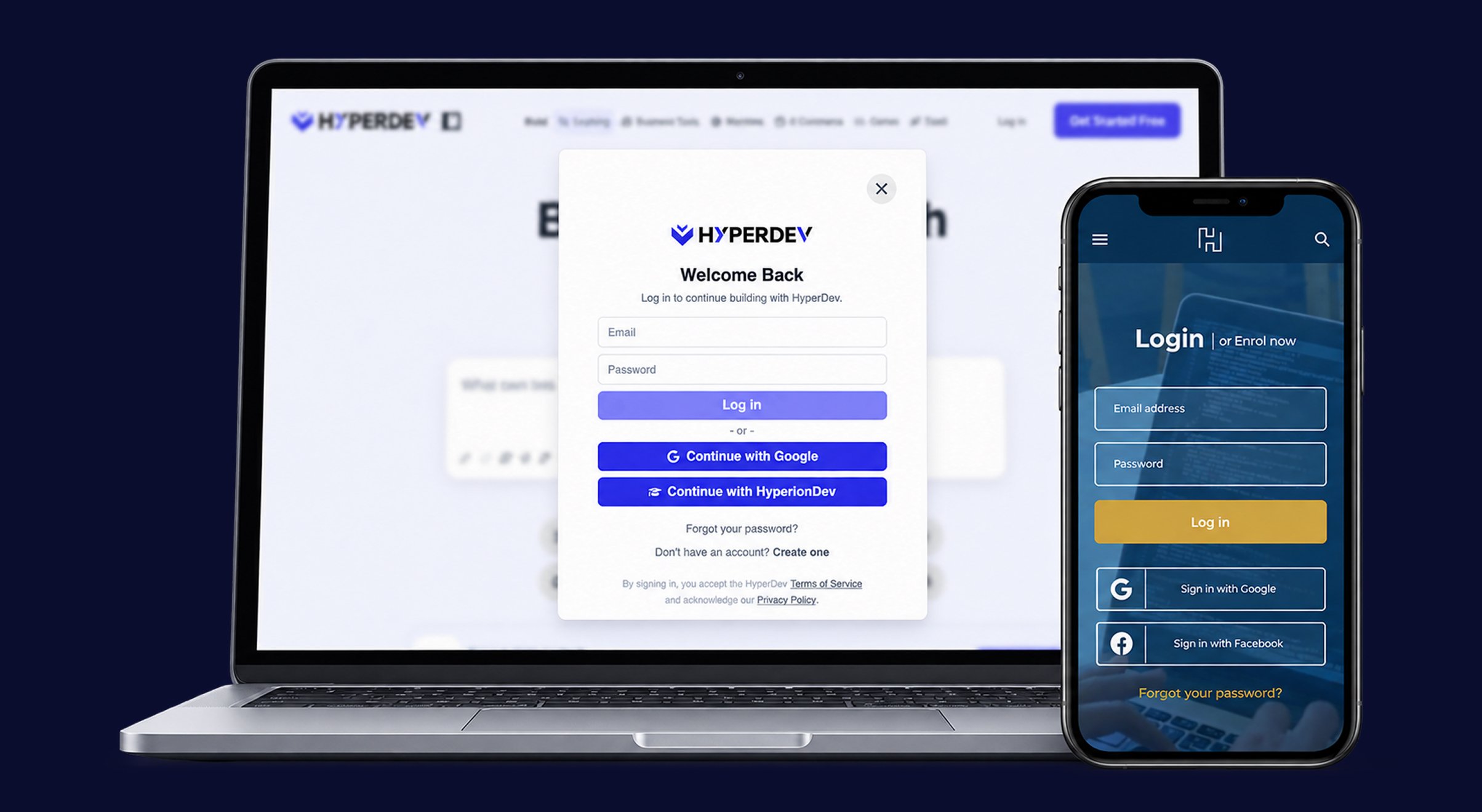
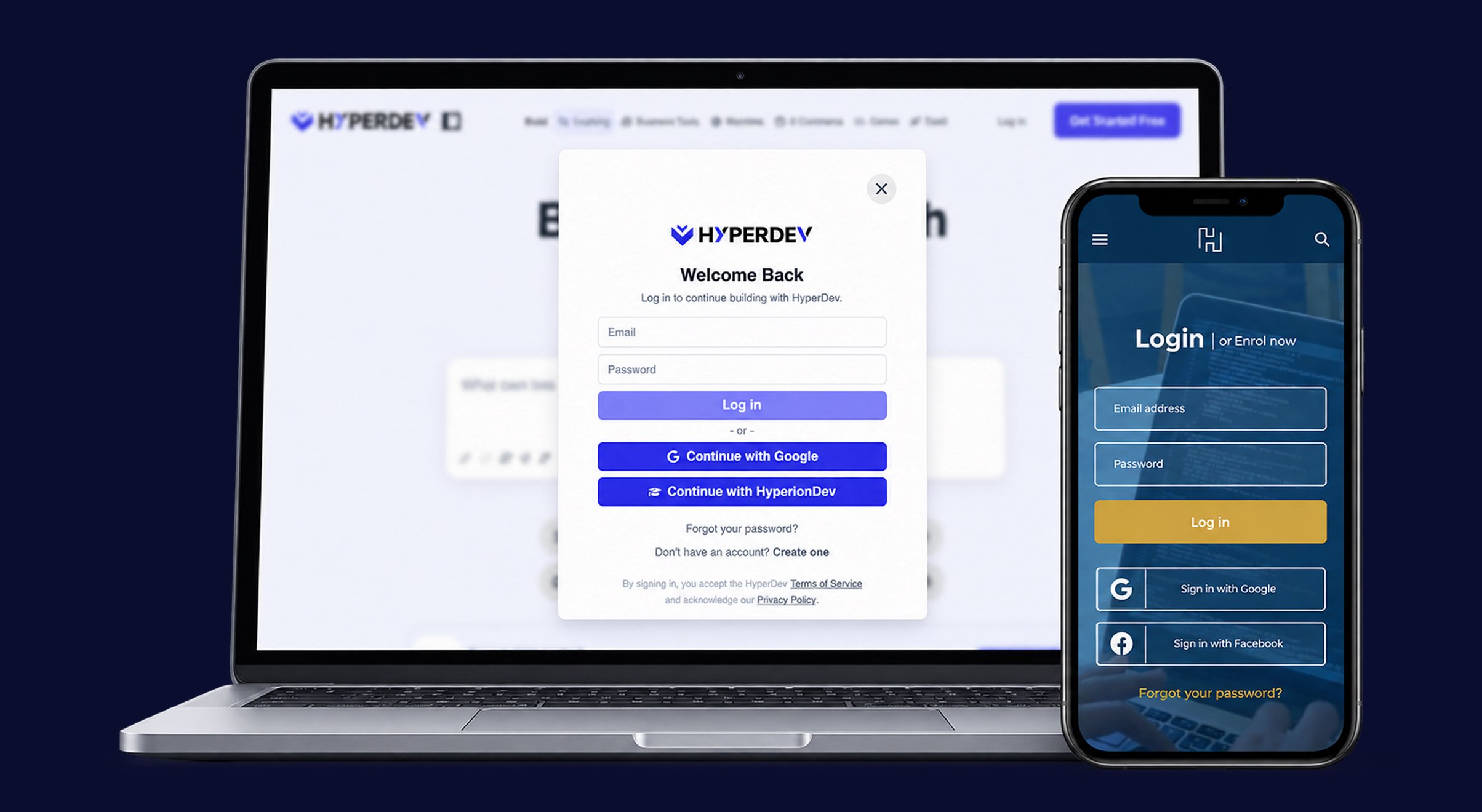
- Credits for HyperionDev Students: Enrolled HyperionDev students automatically receive 100 credits the first time they sign in with their HyperionDev account via SSO, so they can start building straight away.
- Unpublish Your Project: You can now take a published app offline yourself, straight from the Publish dialog. Its web address stops serving, your dashboard marks it as Unpublished, and any forms on it stop accepting submissions. You can publish it again whenever you’re ready.
- Discount Codes at Checkout: You can now enter a promo or discount code when you check out if you have one.
- Games in Featured Projects: Game projects are now featured in the Games section on the landing pages.
- Prices in Your Local Currency: Fixed a problem where everyone was being shown US dollars because the location check had stopped working. Prices now show in ZAR for anyone in South Africa again, and the calculators on the landing pages switch between rand and dollars to match.
Plan, Design or Build: You Choose
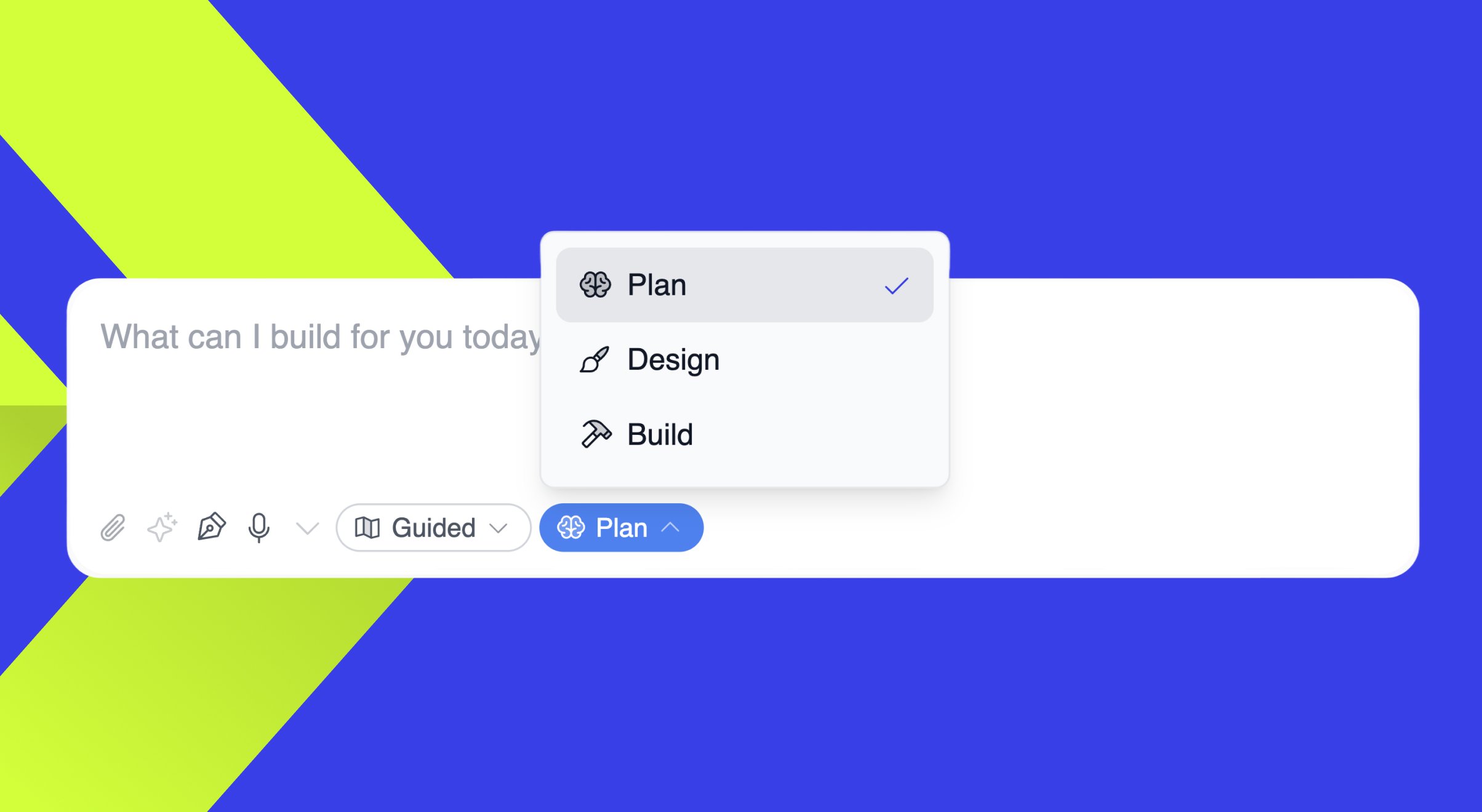
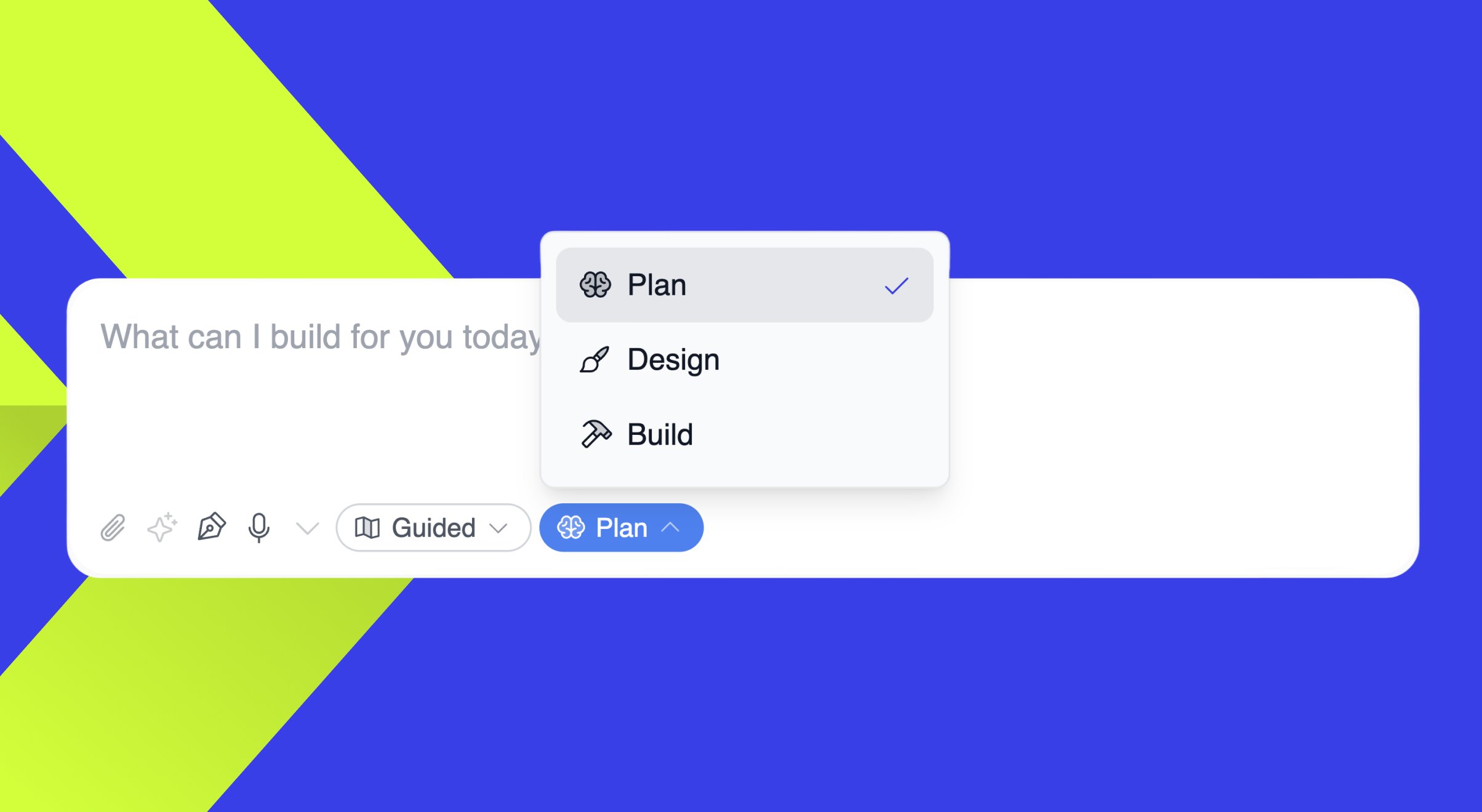
- Plan, Design or Build Modes: The prompt box now has a mode selector. Build is the default, so HyperDev gets straight to making what you describe. Switch to Plan to shape your idea first (what it should do, which features to include, and how to approach it), or to Design when you’re ready to lay out screens and pick a look. HyperDev stays in the mode you choose until you change it, so it won’t push you into design before you’re ready.
- A Page for Every Kind of Project: There are new landing pages for Websites, SaaS, E-commerce, Business Tools and Games, plus a general one for anything else. Each page has prompt ideas and featured projects for that category, along with an interactive calculator that estimates what building with HyperDev could save you. The Games page suggests a game idea instead. A new Build menu (on desktop and mobile) takes you between the pages. Tapping a suggestion fills in a full prompt, and if you’re signed out, your prompt is kept while you sign in.
- Sign In with HyperionDev: HyperionDev bootcamp students can now use “Continue with HyperionDev” to sign in with their existing HyperionDev account. A HyperDev account is created for them the first time they sign in.
- Pricing Update: The launch discount ended on 1 September. The homepage, pricing page and credit top-up pop-up now show full prices, and the homepage now talks about credits instead of tokens.
- Blank Previews for Some Projects: Depending on how a project was set up to start, its preview could appear blank or broken. Those previews now load properly and update live as you make changes.